
Review Vault may receive affiliate compensation from purchases made through site links at no added expense to you, which never impacts our editorial scores.
Assessing modern email infrastructure and lifecycle sequences requires a clear look at activecampaign pros and cons to determine if deep behavioral triggers justify setup overhead. Software decisions demand balancing functional depth against team capacity and long-term administrative upkeep.
ActiveCampaign integrates email marketing, customer records, and dynamic pipeline stages into a unified ecosystem. Gaining an objective perspective on its strengths and constraints prevents workflow friction and streamlines long-term lead management.
Executive Verdict: Scoring 8.0 out of 10, ActiveCampaign is an exceptional fit for groups requiring advanced conditional paths and shared prospect records. It remains poorly aligned with solo operators who only require simple broadcast newsletters.
| Metric | Summary Details |
|---|---|
| Review Vault Score | 8.0 out of 10 |
| Best For | Teams that require multi-stage automated contact nurturing and structured deal tracking |
| Not Ideal For | Solo senders who only distribute simple monthly broadcasts without automated segmentation |
| Core Strengths | Automated visual workflow logic, contact lifecycle segmentation, and unified contact interaction histories |
| Pre-Purchase Advisory | Confirm user seat provisions, contact-tier thresholds, and required feature access on the official vendor portal |
Evaluation Framework and Methodology

Our review team benchmarks software based on seven standard pillars: tool functionality, usability, pricing structure, external connectivity, target fit, customer assistance, and market posture. Because vendors update features and tier limits continuously, shoppers should verify specific caps directly with providers before subscribing. Content was developed using AI research tools and rigorously validated by our senior editorial staff.
Overview of Core Tradeoffs
Operating ActiveCampaign requires weighing nuanced behavioral workflows against initial configuration requirements. The software merges email campaigns, multi-stage branching, and deal management within one dashboard.
Organizations gain the power to trigger automated steps via site browsing, link clicks, or pipeline progress. However, developing these conditional sequences demands deliberate onboarding, and growing databases require strict ongoing hygiene.
In the wider Marketing technology landscape, teams frequently evaluate ActiveCampaign alongside alternatives like Brevo, HubSpot, and Mailchimp, each serving different operational scales from basic visual templates to enterprise data management.
Primary Advantages of the Platform

The standout capabilities of ActiveCampaign center on customizable journey orchestration and synchronized contact histories. Key functional benefits include the following areas.
Visual Sequence Builder and Workflow Automation
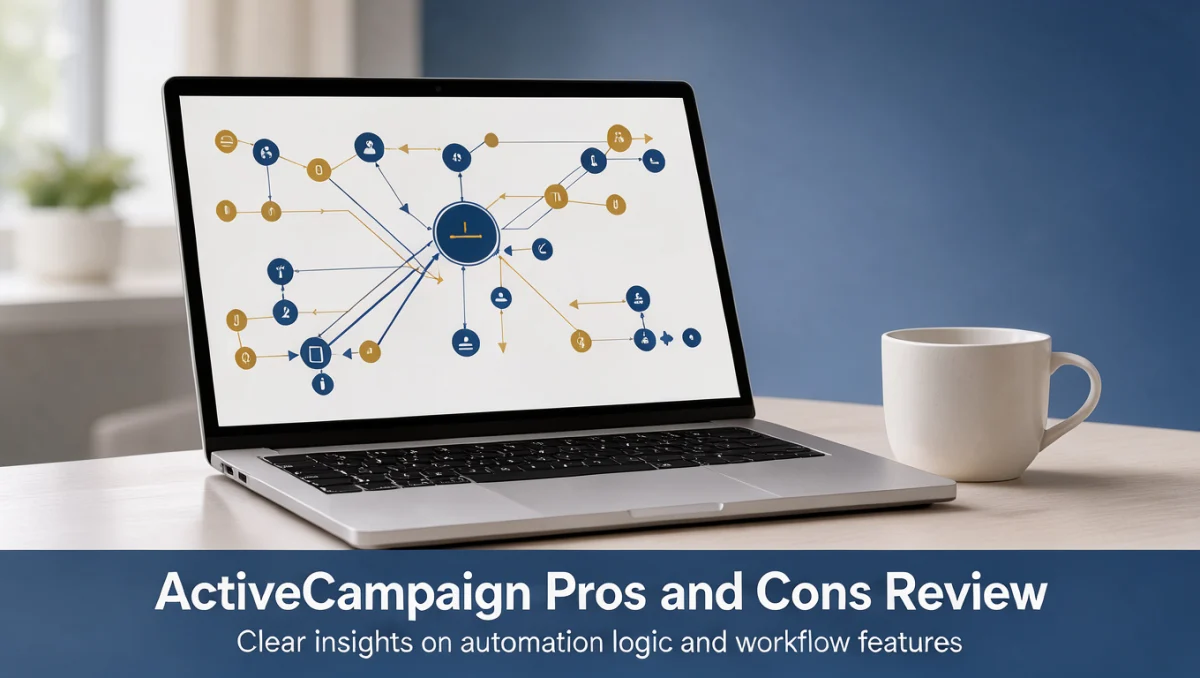
The visual builder serves as the platform's primary asset. Marketers can construct complex paths using split paths, waiting intervals, objective markers, and external webhook actions without developing custom code.
Because automated paths respond immediately to audience actions, teams can run targeted welcome journeys and lead-scoring operations effortlessly, updating subscriber details dynamically as prospects progress.
Flexible Audience Tags and Dynamic Content
Subscriber management utilizes a responsive system of tags and custom data fields. Contacts can receive descriptive tags automatically from message interactions, form inputs, or web activity.
This structure enables precise audience filtering without creating duplicate mailing lists. Dynamic layout sections allow single emails to display unique messaging based on recipient tags, dramatically speeding up campaign production.
Integrated Deal Pipelines and Sales Tracking
Sales pipelines connect directly with outgoing campaigns. Reps can inspect prospective deal stages, review interaction logs, and manage follow-up responsibilities directly inside visual boards.
System triggers can reassign leads or schedule reminders when prospects demonstrate high purchase intent, minimizing handoff delays between acquisition and direct sales outreach.
Centralized Interaction Records
Every profile records chronological activity, tracking open events, form entries, page visits, and internal notes. This centralized view equips team members with comprehensive context before outreach.
Consolidating data into a shared dashboard eliminates internal information gaps while enabling workflows to check historical interactions before triggering new communications.
Operational Drawbacks and Implementation Challenges
While the platform provides extensive functional control, several practical barriers accompany deployment. Understanding these limitations helps businesses implement structured solutions early.
Initial Technical Learning Curve
The broad array of available triggers, conditional rules, and internal actions can challenge unfamiliar operators. Deploying complex automations without planning often produces overlapping rules and inconsistent messaging paths.
Teams can avoid setup bottlenecks by planning tag categories and customer paths on paper prior to building them in the app. Constructing simple, linear paths first ensures stable operations before adding multi-branch logic.
Dense Navigation for Occasional Operators
The sheer volume of nested submenus, report filters, and campaign settings can frustrate casual users who merely need to send basic announcements. Locating specific performance metrics frequently requires digging across multiple levels.
Establishing documented operating procedures for routine campaigns helps streamline navigation. Appointing primary account administrators while limiting casual user permissions prevents interface clutter.
Demands for Routine Database Housekeeping
Because tags and custom data points generate easily, contact lists require continuous administrative attention. Inconsistent tagging rules quickly cause tag inflation, making audience selection confusing.
Regular database maintenance prevents systematic clutter. Marketing teams should audit operational tags periodically, retire legacy workflows, and enforce universal naming conventions across assets.
Comparative Tradeoffs Matrix
The table below summarizes operational benefits and corresponding management practices when deploying the platform.
| Operational Category | Primary Platform Advantage | Practical Platform Limitation | Recommended Management Approach |
|---|---|---|---|
| Automation Architecture | Flexible multi-branch customer journey sequences | Complex rule sets can conflict without careful oversight | Map conditional logic on paper before building workflows |
| Data Management | Dynamic tagging and behavioral custom fields | Taxonomy clutter occurs when tags are created haphazardly | Enforce strict naming conventions and conduct quarterly audits |
| Pipeline Alignment | Connected deal stages and automated task routing | Setup requires cross-department coordination | Align marketing and sales definitions before defining triggers |
| Platform Usability | Deep functional control over every contact touchpoint | Steep onboarding curve for non-technical team members | Create standardized workflow templates for recurring campaigns |
| Reporting Visibility | Detailed interaction histories on contact records | Aggregated reporting navigation requires platform familiarity | Bookmark core metrics dashboards and export regular summaries |
Target Audience and Suitability Breakdown
Software compatibility depends heavily on internal resources, team composition, and overall communication goals. Here is how different user groups match up with the software.
Solo Practitioners and Freelancers
Independent professionals who handle booking inquiries and digital sales can leverage automated appointment alerts and client intake paths to save administrative time.
However, freelancers sending simple monthly updates will find the continuous configuration maintenance disproportionate to their straightforward needs, where basic email services deliver faster execution.
Growing Small Businesses
Small firms running structured lead funnels gain immense value from automated prospect education combined with visual deal pipelines. The software prevents lead leakage without requiring separate subscription services.
Organizations must dedicate at least one team member to oversee automation rules and ensure data integrity so journeys remain aligned with business updates.
Digital Marketing Specialists
Funnel strategists receive maximum leverage from the platform. Testing alternative automation branches, targeting specific engagement patterns, and applying dynamic message blocks provide total tactical control.
Marketers can also construct comprehensive lead-scoring frameworks that flag warm prospects for immediate sales follow-up, boosting conversion efficiency across campaigns.
Administrative and Operational Staff
Internal coordinators managing event sign-ups or automated notifications can eliminate repetitive communication tasks using system triggers.
Nevertheless, purely internal messaging that lacks prospect tracking or lead development rarely warrants an advanced automation engine, as standard team collaboration suites handle such needs with less setup overhead.
Academic Users and Students
Marketing students can observe real-world automation mechanics, subscriber segmentation principles, and CRM concepts through the software framework.
However, maintaining an active commercial account is rarely practical for classroom exercises alone; learners should evaluate whether theoretical training or simulated sandbox tools satisfy their coursework instead.
Who Should Consider Alternative Solutions
Organizations that primarily send one-off broadcast messages without behavioral tracking should bypass sophisticated journey builders in favor of lightweight newsletter platforms.
Similarly, massive enterprises requiring custom on-premise infrastructure, specialized data compliance certifications, or vast relational databases should evaluate enterprise-grade CRM ecosystems built for larger corporate scales.
Common Buyer Questions
How should teams evaluate automation functionality?
Organizations should verify whether their campaigns rely on static blasts or dynamic, event-based customer paths. Visual sequence engines and tagging frameworks are essential for multi-step nurturing, whereas basic email tools handle plain broadcasts efficiently.
What is the best way to handle contact list scaling?
Businesses should compare estimated subscriber growth against the official vendor pricing tiers. Because contact volume dictates subscription rates, regularly scrubbing inactive profiles protects budgets and keeps deliverability high.
When is a formal onboarding phase recommended?
Teams should schedule dedicated onboarding whenever introducing branching paths, CRM pipeline movements, and automatic tag updates. Establishing strict naming taxonomy and testing triggers early avoids message delivery conflicts.
What complementary costs should organizations anticipate?
Companies should budget for creative design, content production, list cleaning tools, and internal staff training. Checking feature add-ons and native integration options on the provider's official portal helps prevent unforeseen deployment costs.
Comprehensive Software Scorecard
Our review positions ActiveCampaign as a robust, feature-rich automation system best suited for businesses with deliberate customer journey strategies. At Review Vault, we prioritize aligning software depth directly with real-world execution capacity.
| Criterion | Score /10 | Reason |
|---|---|---|
| Features | 9.0 | Offers deep workflow logic, conditional branching, dynamic tagging, and integrated deal pipelines. |
| Ease of Use | 7.0 | Presents a noticeable learning curve and complex navigation for casual campaign creators. |
| Pricing and Value | 7.5 | Delivers solid returns for active funnels, though buyers must review tier thresholds carefully. |
| Integrations | 8.0 | Connects smoothly with common external commerce, content, and form systems across standard stacks. |
| Audience Fit | 8.5 | Matches the requirements of small-to-medium teams focused on systematic lifecycle nurturing. |
| Support | 7.5 | Provides documentation and direct assistance channels that buyers should confirm on the official portal. |
| Competitive Position | 8.5 | Holds a strong functional posture against rivals like Mailchimp and HubSpot for automation-centric setups. |
Overall Score: 8.0 out of 10
ActiveCampaign delivers an advanced, dependable environment for organizations prepared to invest in behavioral lead nurturing, strategic data segmentation, and integrated sales pipelines. If your operations only call for basic monthly updates, opt for a lightweight newsletter tool. If your conversion strategy depends on automated, responsive customer journeys, ActiveCampaign supplies the precision and infrastructure needed to run sophisticated campaigns.