
Review Vault may receive referral compensation via links featured in this evaluation without adding expense to users, which leaves our objective assessments completely unaffected.
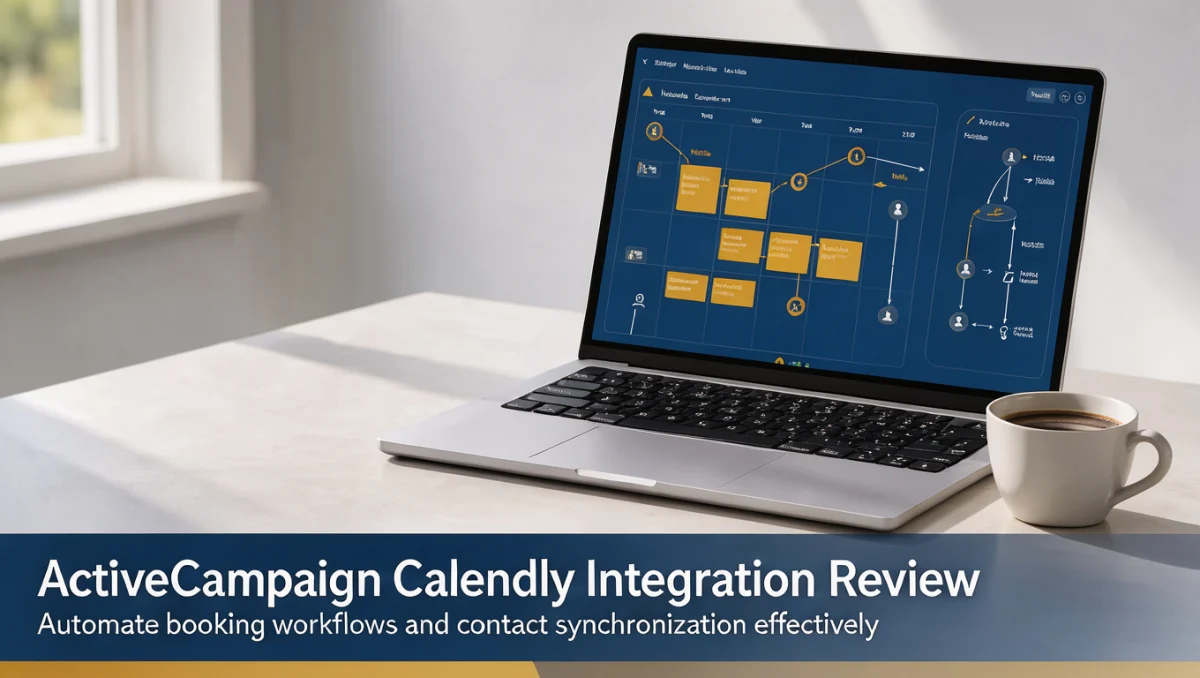
Synchronizing calendar tools with contact databases enables sales representatives and service enterprises to align booked consultations with tailored prospect sequences. Modern firms seeking to elevate their Marketing initiatives frequently bridge meeting schedulers with automated campaign triggers to deliver timely onboarding resources and appointment alerts.
A well-planned active campaign calendly infrastructure removes the friction of manual follow-up messages while keeping interaction histories centralized in client files.
Summary Assessment: Achieving an aggregate rating of 7.7/10, this dual-tool framework is ideal for operations relying on booking-driven outreach sequences. It delivers excellent value for consulting practices, professional service agencies, and sales reps who need consistent communication workflows. Organizations wanting a single unified platform without managing multi-vendor invoices may prefer alternative solutions.
| Assessment Dimension | Key Findings |
|---|---|
| Review Vault Score | 7.7/10 |
| Target User | Teams coordinating client appointments alongside automated email sequences |
| Less Suited For | Businesses prioritizing an all-in-one platform without external bridges |
| Primary Advantages | Continuous profile updates, meeting-based event triggers, unified prospect tracking |
| Verification Note | Check account permissions, plan-level connection options, and property mapping on official provider sites |
Review Vault Evaluation Criteria and Process
Our assessment examines functionality, operational simplicity, overall expense, integration capacity, user fit, vendor support, and competitive viability. Because tier rules and pricing tiers shift, buyers must inspect official provider documentation before purchasing. This breakdown was compiled using analytical software tools and refined directly by the Review Vault editorial staff.
Understanding the Integrated Scheduling Architecture
This automated arrangement connects self-service appointment scheduling directly with dynamic email automation and contact management databases. Its main objective is transferring attendee details, reserved time slots, and cancelation records into central subscriber lists without manual typing.
B2B sales teams, independent consultants, financial advisors, and digital agencies depend heavily on this configuration to handle consultation requests. Instead of transcribing notes between separate windows, marketers implement recipes that refresh buyer status whenever a client selects a time.
Companies running high-touch sales operations employ this structure to qualify inbound requests, issue preparation guides, and initiate post-consultation reviews. When properly implemented, operators can track attendee journeys from discovery form submissions through scheduled sessions and onboarding.
Core Functional Highlights
Real-Time Profile Updates
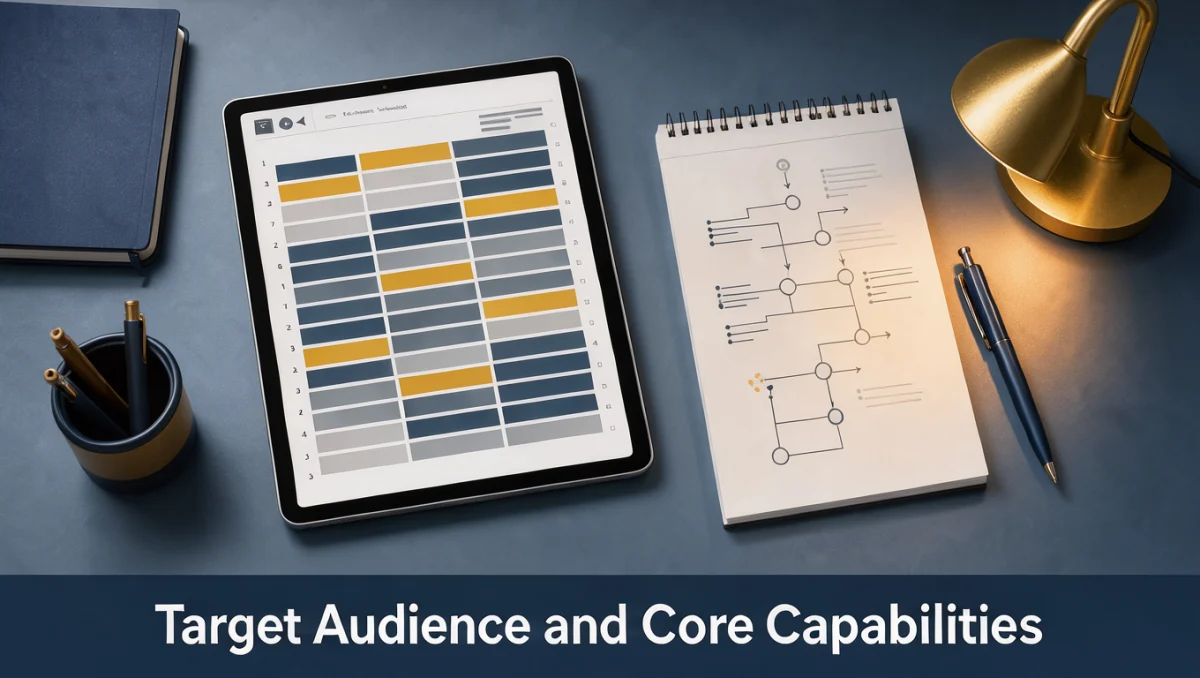
Every completed booking creates a new subscriber or refreshes existing files immediately. Information collected via intake booking questionnaires flows straight into designated CRM profile attributes.
Keeping databases current ensures reps can review past interaction records, verify attendance trends, and recognize returning clients. Teams should inspect vendor manuals to establish reliable field alignment before launching live campaigns.
Event-Based Messaging Triggers
Automated sequences launch instantly whenever an invitee books, reschedules, or drops an appointment. Deal owners can easily build multi-stage sequences delivering agenda overviews, conference links, and reminder notices before every meeting.
After calls wrap up, administrators can deploy feedback forms or contract links automatically. Confirm supported event triggers and webhooks across selected plan tiers directly with the software providers.
Automated Sales Stage Advancement
Visual pipeline tools allow teams to update deal positions automatically based on booking status. A prospect card can transition from discovery outreach to meeting scheduled the moment an appointment is locked in.
Sales managers gain clean pipeline visibility without requiring reps to log every call manually. Organizations should refine internal deal stages prior to setting automated movements to preserve consistent departmental reporting.
Setup Demands and Technical Learning Curve
Constructing this integration involves granting account privileges, standardizing custom profile properties, and testing workflow triggers. For teams experienced with cloud software, the setup requires moderate technical planning rather than code development.
Beginners may find conditional logic challenging when deciding which tags apply when an invitee cancels or reschedules. Clear documentation and step-by-step test submissions help minimize workflow errors during the initial configuration phase.
Maintaining the system over time requires regular audits of automation recipes. Reviewing trigger logs periodically ensures that attendee information continues to populate target lists accurately as team calendars and event types evolve.
Benefits and Potential Constraints
Key Advantages
- Eliminates manual contact creation after an appointment is booked.
- Enables personalized automated email journeys before and after meetings.
- Updates sales deal pipelines based on real-time client booking activities.
- Allows custom question responses to enrich central contact records.
Operational Limitations
- Requires managing two separate software subscriptions with distinct account billing structures.
- Troubleshooting delivery or trigger hiccups requires checking logs across both application consoles.
- Advanced field synchronization may require checking third-party connector support depending on plan levels.
Comparative Look at Alternative Tools
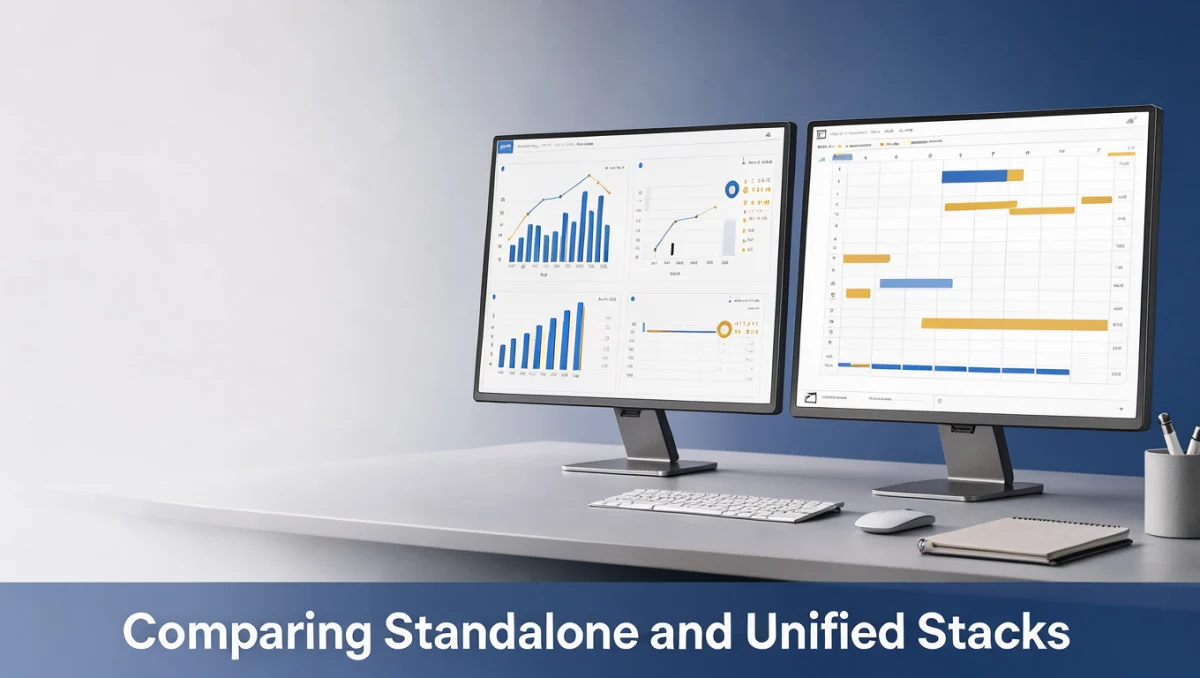
When selecting a marketing and scheduling setup, organizations evaluate standalone combinations against all-in-one relationship management platforms. Platforms such as HubSpot provide native scheduling pages integrated within their marketing ecosystem, which eliminates external bridging requirements.
Similarly, all-in-one software suites like Zoho CRM provide built-in appointment scheduling modules designed to keep data under one roof. These unified platforms suit businesses that prioritize single-vendor administrative management over specialized tools.
Conversely, pairing specialized software like ActiveCampaign and Calendly allows teams to retain dedicated scheduling versatility while leveraging specialized automation features. The choice rests on whether your team values deep capability in each discipline or prefers the simplicity of single-platform governance.
Target Audiences and Practical Fit
Independent Advisors and Specialists
Independent professionals who sell client sessions benefit from connecting calendar availability directly to automated confirmation and preparation messages. This setup keeps administrative overhead low and presents a structured appearance to incoming prospects.
Emerging Sales Departments
Growing sales departments that manage inbound lead qualification use booking automation to assign prospects to reps and move deal stages forward. Automatic pipeline updates save hours of administrative logging each week.
Agencies and Professional Consultancies
Agencies that run promotional funnels often route ad traffic directly to booking pages. Syncing booking data into marketing lists allows campaign specialists to measure conversion rates from initial click to completed discovery call.
Teams Less Suited for Dual Stacks
Solo operators with very low meeting volumes or enterprises that mandate single-vendor enterprise suites with centralized database hosting may find dual-application management unnecessary. Teams seeking an all-inclusive single subscription should review unified platforms instead.
Strategic Implementation Checklist
| Operational Focus | Why It Matters |
|---|---|
| Subscription plan tiers | Confirm on official pricing pages whether your chosen subscription tier supports the necessary automated triggers. |
| Field mapping setup | Verify that custom question fields can transfer cleanly into your contact property definitions. |
| Seat provisioning | Ensure both platforms support your required administrative user counts without unexpected seat costs. |
| Reschedule workflows | Review how each tool handles meeting updates to avoid sending reminder emails for cancelled appointments. |
Common User Questions
What points need review before connecting both tools?
Teams should outline their required contact fields, required automated triggers, and staff permissions before linking accounts. Reviewing official vendor documentation ensures both software tiers support the desired depth of data synchronization.
How do meeting updates alter active email sequences?
When an invitee reschedules or cancels a meeting, specific cancellation triggers must be configured to halt future reminders. Buyers should verify how status updates communicate between both systems on the vendor guidance pages.
Why choose unified CRMs over integrated platforms?
Unified platforms manage contact databases, calendars, and communications under a single user interface and billing agreement. Organizations prioritizing centralized account management often choose all-in-one suites over multi-vendor stacks.
How can teams avoid duplicate profile creation?
Configuring email address matching as the primary unique identifier prevents duplicate records when appointments are booked. Teams should test sample submissions to ensure returning clients update existing profiles rather than creating new entries.
Final Scorecard and Recommendation
| Evaluation Criterion | Rating /10 | Justification |
|---|---|---|
| Features | 8.5/10 | Combines specialized marketing automations with dedicated appointment booking workflows. |
| Ease of Use | 7.5/10 | Requires deliberate field mapping and testing across two distinct administration dashboards. |
| Pricing and Value | 7.0/10 | Requires ongoing payment for two subscriptions, so buyers should confirm plan details on official sites. |
| Integrations | 8.0/10 | Connects reliably through native bridges, webhooks, or automation connectors depending on tier. |
| Audience Fit | 8.0/10 | Fits service providers and consultative sales teams needing structured appointment automation. |
| Support | 7.0/10 | Troubleshooting cross-application issues requires consulting documentation across both providers. |
| Competitive Position | 8.0/10 | Maintains strong utility against all-in-one CRM competitors for users preferring best-of-breed software. |
| Overall Assessment | 7.7/10 | Composite performance rating reflecting functional versatility and deployment flexibility. |
Combining ActiveCampaign with Calendly represents an effective approach for teams prioritizing client consultations throughout 2026. Review official vendor tier matrices to confirm seat allotments and required trigger features prior to account deployment.