
Review Vault may earn a commission when you purchase through links on this page, and this costs you nothing extra. Our editorial ratings remain independent of any affiliate relationship.
Shoppers comparing campaigner email marketing new features usually want to know how the platform handles everyday tasks: building messages, organizing subscribers, triggering follow-up sequences and measuring results. This guide walks through those areas so you can judge fit before choosing an email service provider, and it points out which details to confirm on the vendor's own site.
Automated subscriber messaging only pays off when the tool matches your daily workload. Rather than relying on promotional wording, we focus on practical functions, the trade-offs they bring and the verification steps that protect your budget. Use this as a working framework for your own evaluation.
Quick verdict
We rate Campaigner's current feature set 7.6/10. Its segmentation and workflow automation are strong, though the interface takes time to learn. It suits marketing teams running structured subscriber databases and multi-stage broadcasts. Solo senders who only need occasional newsletters may find lighter builders more convenient.
| Metric | Summary |
|---|---|
| Review Vault score | 7.6/10 |
| Best for | Marketing teams managing organized subscriber databases and coordinated multi-step broadcast sequences. |
| Not ideal for | Infrequent senders who only send occasional personal announcements or simple text updates. |
| Key strengths | Contact list organization, multi-condition campaign sending, visual template creation and detailed broadcast reporting. |
| What to check before buying | Confirm current plan thresholds, subscriber storage tiers and add-on messaging channels directly on the official Campaigner website. |
1. How Review Vault Reviewed Campaigner
This review considers what Campaigner is designed to do, who it serves and how it stacks up against similar tools. We apply seven Review Vault criteria: features, ease of use, pricing and value, integrations, audience fit, support and competitive position. Plans, prices and limits change frequently, so we flag the items you should confirm on the official website before purchasing. This article was researched and drafted with AI assistance, then reviewed and edited by the Review Vault Editorial Team.
2. What Is Campaigner and Who Is It For?
Campaigner is an email marketing platform that lets businesses build, send and analyze commercial messages to subscriber lists. It centralizes audience databases, structured template creation and automated sending rules, so organizations can stay in regular contact with prospects, customers and partners.
The platform is aimed mainly at companies, agencies and specialist marketing departments that need organized list handling rather than occasional one-off emails. Teams with varied customer journeys use tools in this category to group contacts by engagement history, past purchases or demographics, keeping messages relevant to each audience segment.
Teams moving away from basic inbox clients gain standardized formatting, unsubscribe compliance and consistent delivery oversight by adopting a dedicated platform. Understanding these baseline responsibilities helps you decide whether a feature-rich sending engine matches your team's capacity.
3. Core Features of Campaigner
Assessing campaigner email marketing new features means looking at the core functional groups that define enterprise-grade email systems. Instead of focusing on temporary promotional updates, buyers should check how the software handles everyday list management, message composition, triggered sequences and performance analytics.
3.1. Contact List Management and Subscriber Segmentation
Contact management is the backbone of any email service provider. It lets teams store, categorize and maintain subscriber records over time. Campaigner allows marketers to organize contacts into distinct lists, define custom recipient fields and apply filters based on subscriber attributes or interaction history.
Segmentation tools let operators isolate engaged subscribers, separate prospects from existing customers and suppress inactive addresses to protect recipient interest. Clean database organization directly affects broadcast results, so strong filtering is essential for systematic marketing.
3.2. Email Campaign Builder and Responsive Template Design
Message creation centers on structured design environments where users assemble layouts, insert text blocks, add promotional imagery and format call-to-action buttons. These tools produce mobile-responsive layouts without hand-coding each message.
Beyond visual assembly, the platform typically offers source-code editing for technical teams that need precise brand styling and strict layout control. Reviewing the template workflow helps you confirm that both non-technical creators and developers can produce on-brand messages efficiently.
3.3. Automated Workflows and Triggered Messaging
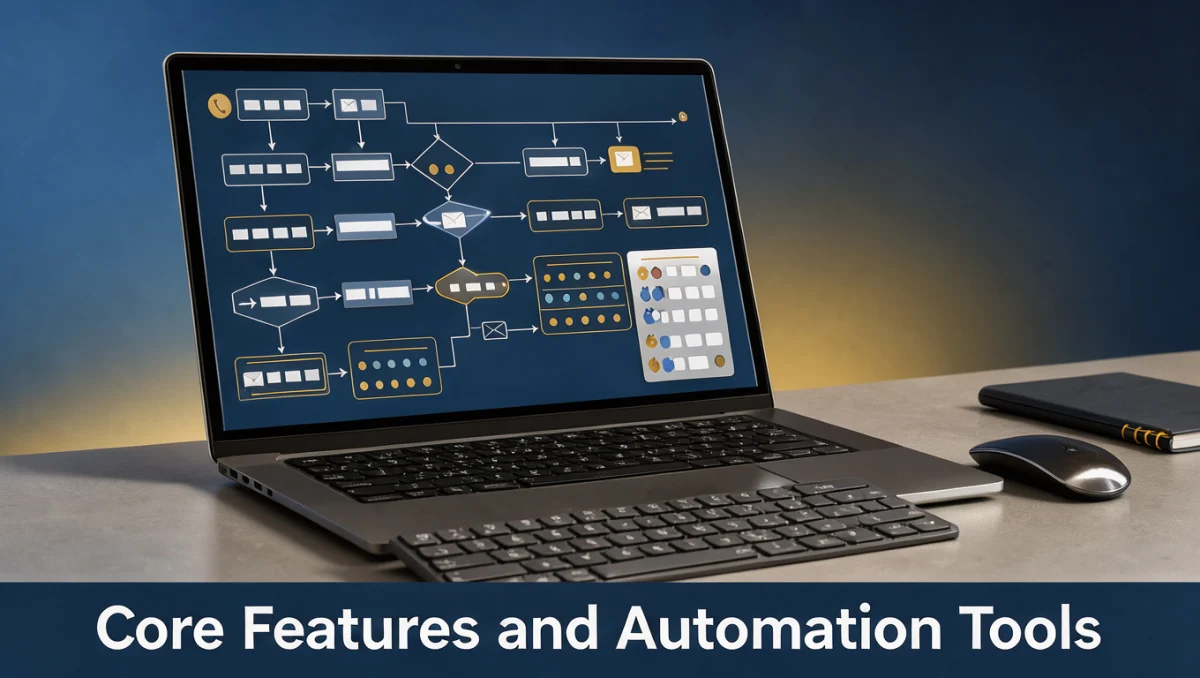
Marketing automation schedules messages based on subscriber actions, time intervals or changes to database fields. Campaigner includes tools that trigger welcome messages, sequential nurture tracks and re-engagement notices when contacts meet predefined criteria.
Multi-step branching logic lets businesses send relevant follow-ups depending on whether a recipient opened a previous message or clicked a link. Automated sequences remove repetitive manual sending while keeping consistent contact across longer sales cycles.
3.4. Campaign Reporting and Performance Tracking
Tracking results is essential for judging audience response and refining subject lines or formats. Campaigner records standard delivery metrics, including total messages sent, opens, click distribution, bounce classifications and opt-out requests.
Comparative analytics let operators measure individual broadcasts against historical baselines to spot effective patterns. These aggregated figures guide editorial decisions, helping senders identify strong send times and engaging themes over time.
4. Ease of Use and Learning Curve
Campaigner's day-to-day experience reflects its focus on structured list management and multi-branch automation. Basic newsletter creation is straightforward once templates are set up, but configuring multi-stage branching rules and complex demographic segmentation requires dedicated training and disciplined procedures.
Teams adopting the platform should expect an onboarding period focused on importing contact databases, mapping custom fields and configuring sender verification. Organizations with experienced digital marketers will find the menu structure manageable, while newer users may struggle initially with advanced query builders.
To speed adoption, document standard procedures for list hygiene, template approval and test sends before granting broad access to live sending environments.
5. Pros and Cons of Campaigner
Weighing practical advantages against limitations gives marketing leaders an honest basis for choosing software.
5.1. Operational Strengths
- Structured segmentation tools that sort contacts using custom data fields and interaction history.
- Multi-path automation builders capable of handling staged customer onboarding and nurture sequences.
- Reporting dashboards covering delivery rates, click engagement and bounce categories.
- Design environments supporting both visual template assembly and custom markup editing.
5.2. Operational Considerations and Workarounds
- Steeper onboarding for non-technical users compared with lightweight newsletter tools, which teams can offset by creating standardized campaign templates.
- Advanced query building requires careful database planning, which can be managed by setting consistent field naming conventions before importing contacts.
- Extensive administrative settings call for documented permission protocols to prevent accidental sends.
6. Campaigner vs Similar Email Marketing Tools
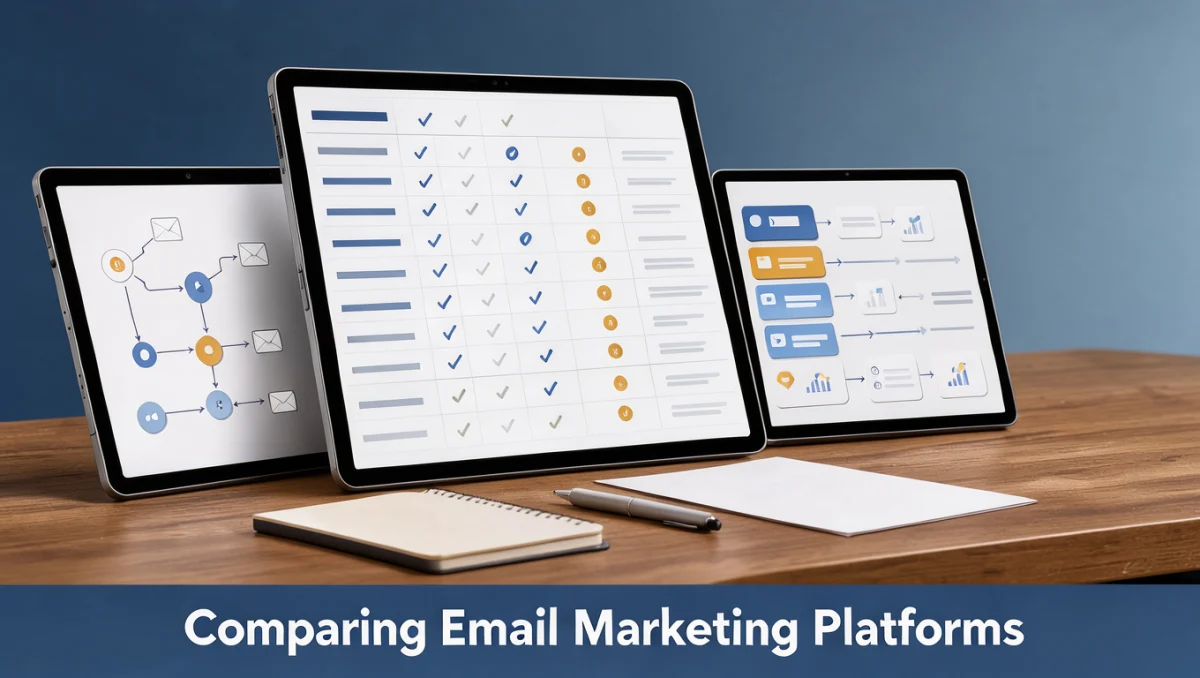
Comparing Campaigner with established peers clarifies its distinct position in the marketing technology landscape.
| Platform | Target Audience | Primary Positioning | Key Operational Focus |
|---|---|---|---|
| Campaigner | Growing mid-market teams and agencies | Advanced contact segmentation and systematic workflow automation | Complex subscriber logic and structured automated sequences |
| Mailchimp | Small business owners and generalist teams | Broad marketing hub with multi-channel publishing tools | Accessible template design and all-in-one promotional utilities |
| Constant Contact | Local businesses and community organizations | User-friendly event promotion and newsletter communication | Simple drag-and-drop creation with guided list building |
| ActiveCampaign | Sales-aligned organizations and digital marketers | Deep customer experience automation and behavioral messaging | Granular lifecycle automation and cross-channel tracking |
Mailchimp targets small businesses that want an intuitive design environment and multi-channel marketing tools. Constant Contact focuses on simple layout creation for community groups and local merchants who value quick sending over intricate database querying.
ActiveCampaign emphasizes sophisticated behavioral branching for businesses coordinating customer journeys across sales pipelines and marketing funnels. Campaigner sits between basic newsletter tools and sprawling marketing suites, focusing mainly on high-capacity email automation and database segmentation.
7. Who Should Use Campaigner?
Software suitability depends on team skills, sending volume and campaign frequency.
7.1. Freelance Marketing Consultants
Freelancers managing email for several clients benefit from clear contact separation and repeatable sequence building. Consultants handling simple announcement lists for local clients may prefer lighter tools that reduce setup overhead.
7.2. Small Business Owners
Small operators running targeted retail or business-to-business communications can use automated follow-ups to nurture leads consistently. If a business only sends quarterly service updates, a simpler broadcast tool is usually more cost-effective.
7.3. Dedicated Digital Marketers
Digital marketing specialists gain significant value from granular filters, scheduled trigger sequences and post-campaign data exports. These capabilities let professionals test content variations and improve subscriber retention across demographic groups.
7.4. Corporate Communications Personnel
Internal communication teams sending employee notices or partner bulletins need reliable list segmentation to reach the right audience. If corporate teams do not require complex sales automation, simpler publishing platforms may be enough.
7.5. Educational Coordinators and Students
University departments and student groups running campus newsletters often find complex automation suites unnecessarily intricate for straightforward institutional bulletins, making lighter newsletter software a better fit.
8. How to Choose the Right Plan for Your Business
Vendors frequently revise plan limits, feature allocations and subscription costs, so buyers should review the specific parameters on the vendor's pricing pages before committing.
| What to check on official pricing pages | Why it matters |
|---|---|
| Subscriber database caps | Email platform costs commonly scale with contact count, so sudden list growth can raise monthly expenses. |
| Monthly sending volume limits | Some tiers cap message volume per billing cycle, which directly affects teams running frequent tests. |
| Automation workflow access | Vendors often reserve multi-stage branching or complex behavioral triggers for higher plan levels. |
| Multi-user administrative seats | Collaborative teams need individual logins and permission controls, which may be limited on entry-level plans. |
| Additional messaging channels | Complementary options such as text messaging are often billed as separate add-ons with their own usage fees. |
9. Frequently Asked Questions
9.1. What should marketing teams evaluate before migrating an existing subscriber list?
Teams should assess database cleanliness, custom field structures and opt-in consent records before importing contacts. Confirming that unsubscribe histories and bounce records transfer accurately prevents delivery problems and protects sending reputation during the move.
9.2. What factors determine whether a business needs advanced marketing automation?
Advanced automation becomes worthwhile when customer journeys involve staged onboarding, behavioral re-engagement triggers or distinct content tracks by purchase category. Companies sending only uniform weekly bulletins rarely need complex branching.
9.3. What should buyers check regarding multi-user access permissions?
Buyers should confirm on the official vendor comparison page whether their target plan supports role-based permissions such as editor, viewer or administrator. Role restrictions prevent unauthorized list exports and ensure drafts are reviewed before broadcast.
9.4. What additional costs should businesses anticipate beyond the base subscription?
Budget for list verification services, graphic asset licensing, specialized template coding and supplementary messaging credits such as SMS. Accounting for these extras gives a more accurate total cost.
9.5. Should businesses consult a deliverability specialist before launching high-volume campaigns?
Organizations moving large subscriber databases benefit from deliverability guidance to configure domain authentication correctly. Proper domain verification and gradual volume ramp-ups help protect sender reputation from early filtering.
10. Final Verdict
Campaigner offers a capable, business-oriented environment for organizations that prioritize disciplined list management and structured sequence automation over simplified newsletter templates. Its administrative depth brings an onboarding curve, but marketing teams committed to structured segmentation will find its campaign tools well aligned with commercial broadcast goals.
| Criterion | Score /10 | Reason |
|---|---|---|
| Features | 8.0/10 | Offers comprehensive contact segmentation, multi-stage automation logic and full broadcast performance reporting. |
| Ease of Use | 7.2/10 | Requires dedicated onboarding and operational familiarity to set up advanced branching logic and database queries. |
| Pricing and Value | 7.5/10 | Buyers should verify current contact tiers and sending allowances on the official website to confirm cost fit. |
| Integrations | 7.4/10 | Teams should check the official app directory to confirm required customer relationship and ecommerce connections. |
| Audience Fit | 8.1/10 | Well suited to structured marketing departments and agencies running data-driven lead nurturing campaigns. |
| Support | 7.3/10 | Users should check available support channels and service hours in the official vendor documentation. |
| Competitive Position | 7.7/10 | Holds a solid mid-market position against broader marketing suites by emphasizing dedicated email workflows. |
Overall score: 7.6/10
For structured marketing departments that want disciplined contact filtering and reliable sequence execution, Campaigner is a dependable operational platform. Organizations with modest sending needs should review simpler alternatives to avoid paying for administrative complexity they will not use.
Readers with questions about choosing email marketing software can reach our editorial team through the Review Vault contact page or follow Review Vault on LinkedIn via our company profile.