
reviewvault may earn a commission when you buy through links on this page, at no extra cost to you. This does not affect our ratings.
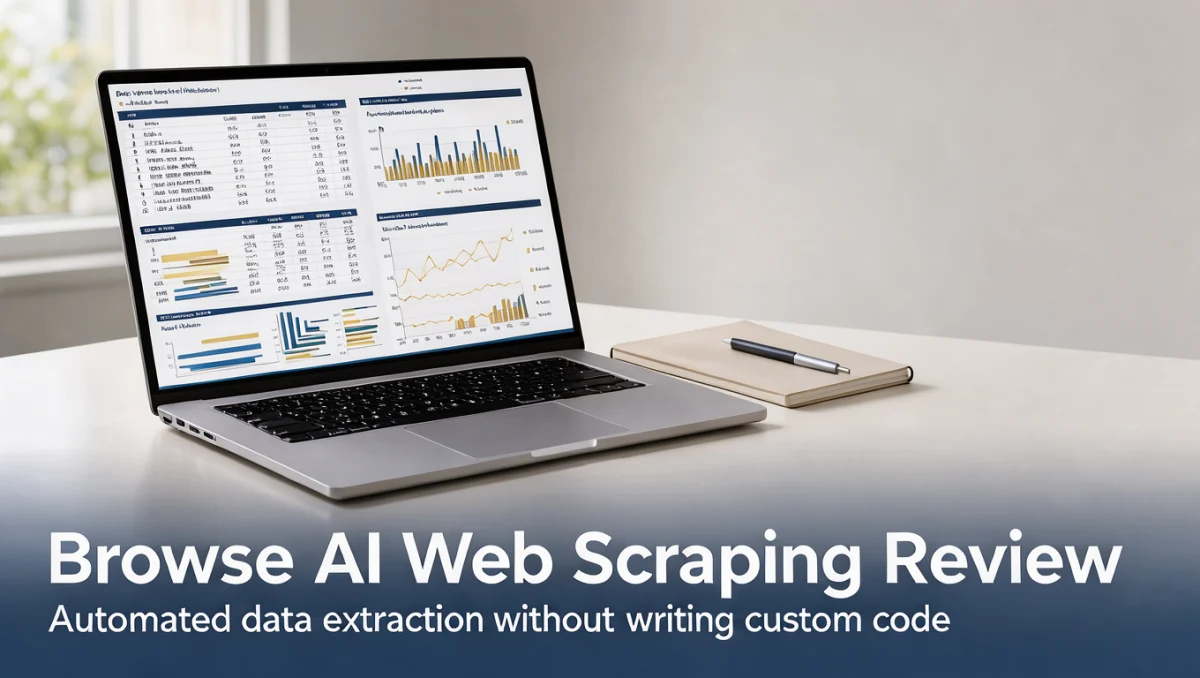
Not every team wants to write scrapers, and a browseai evaluation shows how point-and-click robot training can turn messy public pages into clean spreadsheets. Analysts tracking price moves, catalog changes, or competitor directories often spend hours copying data by hand. Visual extraction tools promise to cut that work down, but the real question is whether they hold up against your volume and your target sites. This independent assessment helps you judge that fit before you commit.
Pulling data from websites once meant custom scripts and constant repairs whenever a layout shifted. Newer platforms record your clicks in the browser and repeat them on similar pages, removing much of that overhead. Below we cover what the tool does, how the core workflows run, and what to verify before subscribing.
Quick verdict: Browse AI earns an overall reviewvault score of 7.9/10 for its approachable no-code robot training and visual extraction workflow. It suits non-technical researchers, growth marketers, and analysts who need recurring structured datasets. It is a poor match for engineering teams that want low-level DOM control, local script execution, or code-heavy scraping pipelines.
| Metric | Summary |
|---|---|
| reviewvault score | 7.9/10 |
| Best for | Teams and professionals needing structured website data without writing custom code |
| Not ideal for | Organizations that demand full programmatic code control or local script hosting |
| Key strengths | Visual robot recording, scheduled monitoring, and extraction of tabular web records |
| What to check before buying | Review monthly extraction credit allowances and target site layout complexity on the official pricing page |
1. How reviewvault Reviewed Browse AI
This review looks at what Browse AI is built to do, who it serves, and how it compares with similar tools, using the seven reviewvault criteria: features, ease of use, pricing and value, integrations, audience fit, support and competitive position. Plans, prices and limits change often, so we point out what to confirm on the official website before you buy. This article was researched and drafted with the help of AI tools, then reviewed and edited by the reviewvault Editorial Team.
2. What is Browse AI and who is it for
Browse AI is a data extraction and site monitoring platform built to make web information usable for business teams. It closes the gap between raw web pages and structured spreadsheets. Rather than writing scraper code, you train a robot by browsing a page, highlighting the text or images you want, and confirming which fields map to your data columns.
The tool mainly serves non-technical teams, solo entrepreneurs, marketing researchers, and operations staff who need fresh data from directories, retail listings, and public records. Without code requirements, analysts can pull inventory or pricing updates on a predictable schedule. Understanding where these platforms fit requires looking at wider developments in Artificial Intelligence software that increasingly interpret dynamic visual interfaces.
Traditional scrapers break whenever a site changes its underlying tags, while visual extraction platforms use pattern detection to find the elements you selected even after minor design changes. Remember that these tools interact with third-party sites you do not control. Confirm that your target domains allow automated retrieval, and plan for periodic reviews of your extraction setup.
3. Core features of Browse AI
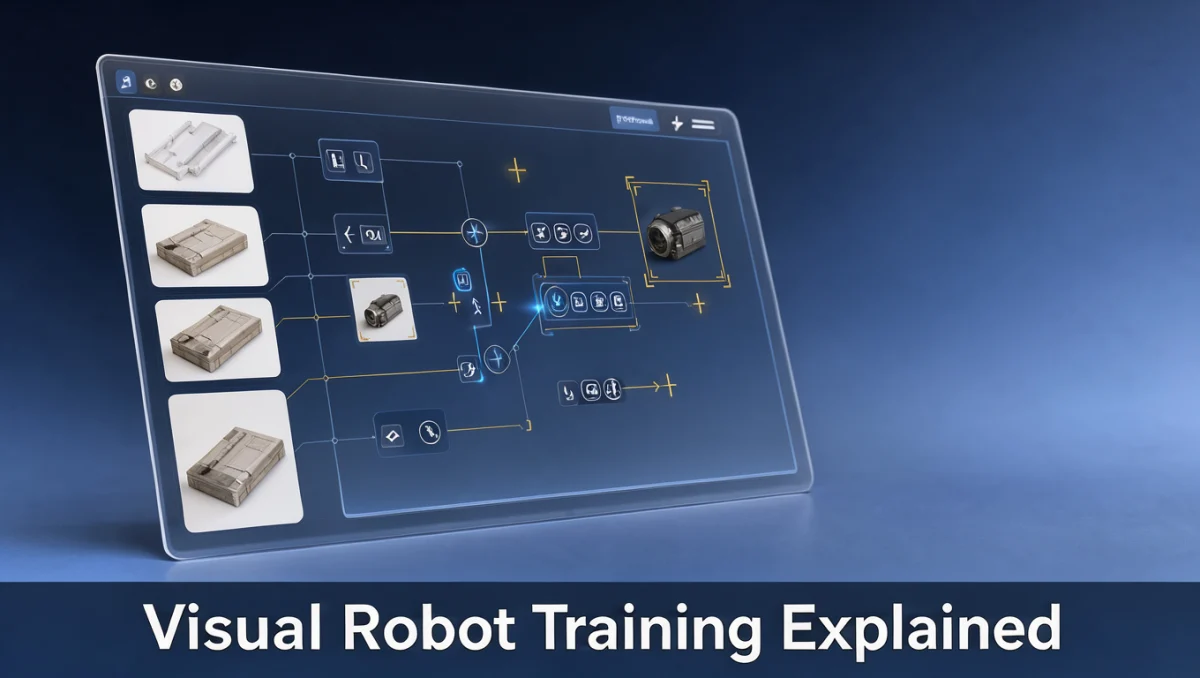
The product centers on recording your navigation, turning public pages into organized spreadsheets, and running ongoing checks on the domains you specify.
3.1. Visual robot training
Visual robot training lets you set extraction rules through direct point-and-click selection. You open a target URL, select fields such as product titles, rates, or author names, and mark whether each item is a single record or a repeated list. The software turns those selections into an extraction pattern that repeats across similar pages without manual coding.
3.2. List and detail page extraction
Market research often requires pulling items from multi-level directories. The platform lets you scrape summary catalogs and follow linked pages to capture detailed information from each child page. You map secondary fields so that product specifications, vendor descriptions, and contact details combine into one coherent record set.
3.3. Automated site monitoring and change detection
Beyond one-time collection, the platform supports recurring monitoring. You set a frequency for checking specified pages, and when text changes, prices adjust, or new entries appear in a tracked category, the system flags the difference and updates the stored dataset. This cuts down on manual verification work.
3.4. Pagination and infinite scroll handling
Many modern sites spread content across numbered pages or continuous scrolling feeds. Browse AI includes settings that tell a robot how to move through subsequent pages or scroll until all listings load. This lets you capture broad directories in full without stepping in between page loads.
3.5. Structured data export
Collected information needs to be usable in common business formats right away. The software organizes scraped fields into downloadable tables and cloud storage. You can arrange columns, check how captured text is formatted, and send output to reporting tools without heavy data cleaning.
4. Ease of use and learning curve
Browse AI puts usability first by removing the need for terminal commands, selector syntax, or developer consoles. Most first-time users grasp the visual selector workflow within their initial training session. Choosing page elements feels like highlighting text in a document, which makes setup intuitive for people without technical backgrounds.
The learning curve gets steeper with intricate dynamic scripts, layered navigation menus, or anti-bot protections. You need to learn how to set wait times for loading assets and confirm that automated pagination triggers correctly across long lists. Basic setup takes minutes, but building reliable collection across complex sites takes systematic testing and field mapping.
5. Pros and cons of Browse AI
Judging any software means weighing its practical advantages against its built-in limits.
Pros
- No programming required: You configure scrapers through a visual interface without writing Python, JavaScript, or XPath queries.
- Integrated monitoring: The system pairs one-time table extraction with automated schedules that watch websites for content changes.
- Fast deployment: Setting up a collection task for a straightforward catalog takes far less time than building and hosting custom code.
- Structured outputs: Data lands in standardized rows and columns that suit analysis or downstream processing.
Cons
- Dynamic site variability: Sites with heavy asynchronous scripting or frequent redesigns can break visual selectors and require robot reconfiguration.
- Consumption limits: Scraping consumes operation units quickly on multi-page catalogs, so high-volume users need to budget their plan carefully.
- Complex authentication hurdles: Sites that require multi-step verification or strict anti-scraping checks remain hard for visual no-code robots to handle consistently.
6. Browse AI vs similar web extraction tools
Seeing where Browse AI sits in the wider extraction market helps you pick the right tool architecture.
| Platform | Primary positioning | Target user | Key distinction |
|---|---|---|---|
| Browse AI | Visual no-code scraper and monitor | Marketers, researchers, and operational analysts | Intuitive point-and-click robot recording for structured pages |
| Octoparse | Multi-feature visual data extraction suite | Data teams and research specialists | Configurable workflow blocks for multi-step desktop extraction |
| Apify | Developer-oriented cloud scraping platform | Software engineers and technical data builders | Extensive code control with hosted script runtimes |
| ScrapingBee | Proxy and scraper backend infrastructure | Developers building custom applications | API-first web retrieval focused on proxy rotation and bypass |
Teams that choose Browse AI usually value fast deployment and zero-code interfaces over raw code flexibility. Octoparse suits teams that want deeper rule building inside a visual tool, while Apify targets programmers who prefer maintaining custom logic in JavaScript or Python. Before you pick between visual recording and code-based scraping, check whether your team has development resources. For more unbiased software assessments, see the independent reviews on Review Vault.
7. Who should use Browse AI
Different roles get different value from visual scraping depending on their technical resources and data needs.
Freelancers and independent consultants
Freelancers doing competitive landscape reviews or building prospect lists benefit from fast dataset assembly. Without outsourcing data gathering to developers, individual professionals can pull public directories into organized tables to support client work.
Small business owners
Small business operators tracking regional pricing or vendor inventory can automate routine checks with scheduled robots. That frees staff from manually reviewing competitor sites every week.
Marketing and growth teams
Marketers monitoring ad libraries, press releases, or partner directories find the change detection useful for competitive analysis. Teams get organized updates when competitors change messaging or announce new offers.
Students and academic researchers
Scholars gathering public archive records or listings for empirical studies can generate structured datasets without writing parsers. That leaves more time for analysis rather than troubleshooting code.
Who should look elsewhere
Development teams that need fine-grained control over headless browser protocols, raw proxy rotation, and custom JavaScript execution should consider developer platforms like Apify or custom cloud scrapers. Operations that run millions of extractions daily often find dedicated backend architectures give more predictable costs.
8. How to choose the right plan
Subscription models for scraping tools revolve around data consumption and execution speed. Before you enter payment details, review the specific allowance limits on the official vendor site.
| What to check | Why it matters |
|---|---|
| Extraction credits and run allowances | Every extracted row or visited page consumes account units, directly determining monthly operational capacity. |
| Robot execution frequency limits | Minimum intervals between scheduled checks affect how quickly your team detects time-sensitive web revisions. |
| Concurrent task processing | Running multiple extraction robots simultaneously prevents bottlenecks when gathering data across diverse sources. |
| Data retention windows | Review how long captured screenshots and historical tables remain accessible on servers before archiving. |
| Additional seat allowances | Collaboration across multiple team members may require distinct user seats depending on subscription tier rules. |
9. Frequently asked questions
What factors determine total monthly scraping costs
Total spend on automated scraping depends mainly on page volume, extraction frequency, and credit use per run. High-frequency tasks that inspect large multi-page catalogs use credits faster than periodic single-page checks. Confirm the exact credit calculation on the official Browse AI pricing page before finalizing your budget.
How should buyers evaluate extraction reliability across dynamic sites
Reliability depends on how often the target site changes its layout and whether it uses anti-scraping defenses. Visual extractors run smoothly on stable layouts but may need prompt retraining when a site redesigns. Running test extractions on representative pages helps set realistic stability expectations.
What steps ensure compliance with website usage policies
Review the terms of service, robots exclusion directives, and copyright protections of every target domain before starting automated collection. Responsible retrieval avoids overwhelming host servers with excessive requests and focuses on publicly accessible information.
How do teams handle pagination when directories span hundreds of pages
Visual scraping tools include settings that guide robots through next-page buttons or infinite scroll. Verify whether the target catalog uses numbered links, load-more buttons, or scroll triggers so you capture the full dataset without unexpected early stops.
When should an organization choose visual scraping over custom code
Visual scraping makes sense when teams lack engineering staff and need datasets quickly. If your organization has in-house developers and needs custom cleaning pipelines wired directly into databases, a code framework may offer more long-term flexibility.
10. Final verdict on Browse AI
Browse AI is a practical, accessible web extraction option for teams that want structured web data without writing and hosting code. Its visual robot recording, catalog extraction, and integrated monitoring remove the main obstacles to manual data collection.
| Criterion | Score /10 | Reason |
|---|---|---|
| Features | 8.0 | Effective visual recording, catalog extraction, and recurring site monitoring |
| Ease of Use | 9.0 | Intuitive point-and-click interface accessible to non-technical professionals |
| Pricing and Value | 7.5 | Clear consumption-based subscription model requiring careful volume estimation |
| Integrations | 7.0 | Standard data export options with cloud connectivity to verify before purchase |
| Audience Fit | 8.5 | Well suited for analysts, small businesses, and growth marketers |
| Support | 7.0 | Documented knowledge base and assistance resources to evaluate on vendor site |
| Competitive Position | 8.0 | Strong usability balance among dedicated visual scraping solutions |
Overall score: 7.9/10
For marketing analysts, market researchers, and small business operators who want structured web intelligence, Browse AI offers a fast path from raw pages to organized tables. If your team manages multi-page catalogs, confirm the exact credit consumption rules on the official Browse AI pricing page before choosing a tier.
Have questions about choosing data extraction software for your workflow? Contact the reviewvault team at https://reviewvault.net/contact/ or connect with us on LinkedIn at https://www.linkedin.com/company/reviewvault/.