
Review Vault may earn a commission when you buy through links on this page, at no extra cost to you. Our ratings remain independent.
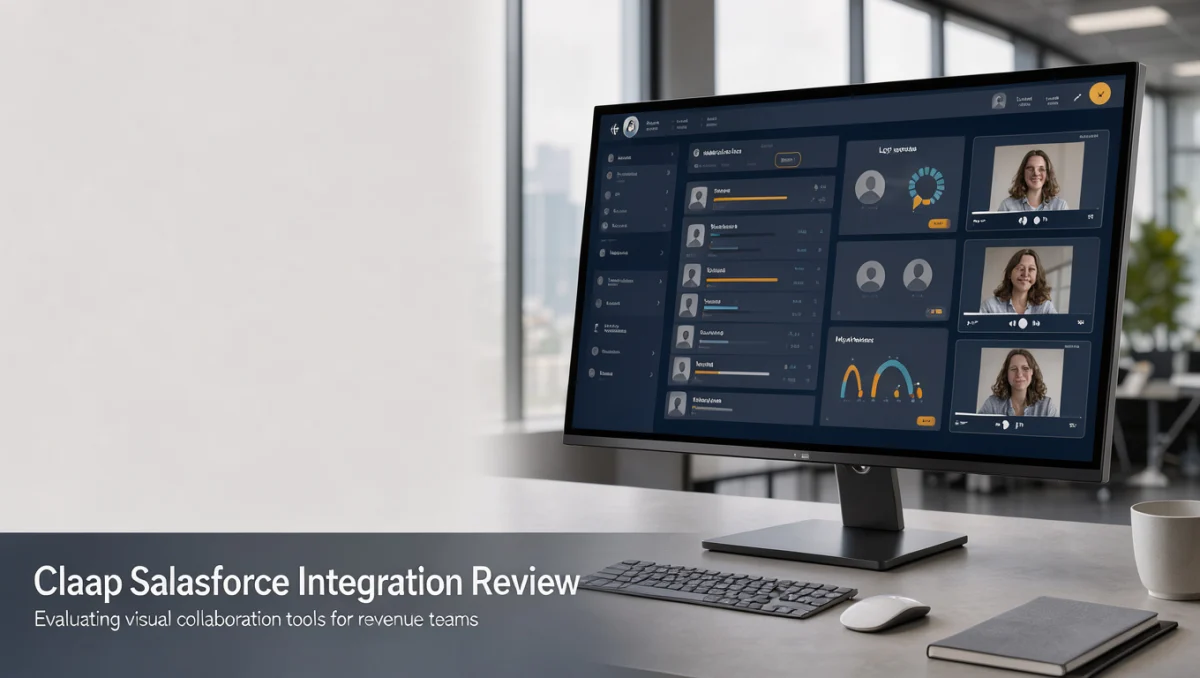
Revenue leaders and operations managers evaluating the claap salesforce integration need to look beyond marketing language and understand how asynchronous video connects with customer relationship records. Remote deal teams often find that attaching visual account context to opportunity entries cuts down on repetitive admin work. Our team tested the workflow to determine whether the pairing fits real sales processes.
Linking video messages to enterprise customer data raises practical questions about field mapping, seat costs, and user permissions. Before rolling this out, buyers should confirm how meeting notes flow into existing pipeline stages without forcing account executives into extra manual entry.
Quick verdict: The claap salesforce integration receives a Review Vault score of 7.7 out of 10. It suits sales organizations and customer success teams that want visual deal records inside their CRM. It is less suitable for solo operators or teams that lack a settled CRM routine and have no need for synchronized video records.
| Metric | Assessment |
|---|---|
| Review Vault score | 7.7 / 10 |
| Best for | Revenue and customer success teams tracking pipeline progress through recorded videos |
| Not ideal for | Solo operators or businesses without consistent CRM governance |
| Key strengths | Asynchronous video messaging and meeting documentation tools |
| What to check before buying | CRM tier requirements and seat sync rules on the official website |
1. How Review Vault Evaluated Claap
We examined what Claap is designed to accomplish, the audience it targets, and how it stacks up against comparable products. Our assessment covers seven criteria: features, ease of use, pricing and value, integrations, audience fit, support, and competitive position. Because plans and prices shift frequently, we flag the details you should verify on the vendor's site before purchasing. AI tools helped with research and drafting, and the Review Vault Editorial Team reviewed and revised the final text.
2. Understanding Claap and Its Target Users
Claap brings together asynchronous screen recording, video notes, and meeting intelligence in one workspace. Knowledge workers use it to share short video walkthroughs, record client exchanges, and gather feedback without booking live calls. It is aimed at remote-first companies, sales groups, and product teams looking to cut down on meeting volume.
Teams evaluating video tools for AI-assisted workflows typically want automatic transcripts, generated summaries, and structured notes attached to customer accounts. Claap targets that need by letting groups capture visual commentary and tie discussions to open deals. Companies adopting asynchronous video generally aim to keep pipeline visibility intact across scattered time zones.
3. Key Capabilities of the Claap Workspace
Judging video intelligence software means looking closely at recording options, collaborative annotation, and how knowledge is organized. Knowing how these fundamentals work helps you decide whether your revenue team can hand off recordings to account records in a predictable way.
3.1. Video Recording and Screen Capture
Screen capture lets account representatives record tailored product demos, sales proposals, and implementation recaps. Viewers can adjust playback speed and drop comments at exact timestamps. This makes it possible for cross-functional teams to stay aligned without matching calendars.
3.2. Meeting Intelligence and Transcription
Meeting documentation tools transcribe conversations automatically and produce short summaries of what was discussed. Revenue teams use transcripts to pull action items, objections, and feature requests straight from recorded client calls. Before committing, check the official Claap website to confirm which languages and transcription options cover your customer base.
3.3. Collaboration and Workspace Organization
Shared workspaces let teams sort customer-facing video assets into folders and account channels. Members can tag colleagues, assign tasks, and reply with inline video or text. Over time this builds a searchable archive of customer conversations that sales, marketing, and product staff can revisit.
4. Ease of Use and Learning Curve
Asynchronous video tools only deliver value when people adopt them quickly. Account executives and support staff need to record, trim, and share clips with little friction during daily selling work. Claap offers a clean interface with simple playback controls and comment threads that keep onboarding short.
Linking an asynchronous video workflow to an enterprise CRM such as Salesforce does add setup steps. Sales admins must define sharing rules and check how links appear in opportunity feeds. Most SaaS products need administrator permissions to finish authentication, so revenue operations should budget time to walk each rep through connecting their account.
5. Advantages and Drawbacks of Claap in Revenue Workflows
Visual collaboration software brings real gains, but it also brings governance responsibilities. Independent reviews help teams judge whether the platform matches their current operational maturity.
5.1. Operational Advantages
- Supports asynchronous communication, easing both internal and external meeting fatigue.
- Keeps video documentation next to written comments and the customer interaction history.
- Offers timestamped feedback that clarifies technical discussions or contract terms.
- Provides structured workspaces that help sales and engineering teams share knowledge.
5.2. Practical Limitations
- Demands steady team discipline to record, label, and link videos on a regular basis.
- Advanced enterprise sync features often sit behind specific plan tiers, so confirm them on the official Claap pricing page.
- CRM data quality still relies on users following the organization's tagging conventions.
6. Comparing Claap with Other Video and Collaboration Tools
The video messaging market includes products built for different jobs. Loom centers on fast screen recording and broad video sharing for everyday workplace communication. Gong serves enterprise revenue teams with deep conversation analytics and pipeline risk forecasting aimed at sales leadership.
Claap sits between lightweight asynchronous recording and full meeting intelligence. Companies that want one workspace for both internal video updates and client-facing recordings often compare Claap with single-purpose recording tools. Review your current tech stack to decide whether you need specialized enterprise forecasting or flexible team video messaging.
7. Who Gains the Most from Claap?
Business structure affects how much value a team gets from visual communication software. Matching your team profile to the platform's strengths helps adoption go smoothly.
7.1. Recommended User Profiles
- Mid-Market Sales Teams: Account executives who share tailored proposal walkthroughs and need to record client commitments.
- Customer Success Managers: Specialists who produce software onboarding tutorials without repeating live training sessions.
- Distributed Product and Revenue Teams: Cross-functional groups that need visual feedback loops between sales notes and product development.
- Solutions Engineers: Technical consultants who document custom setups for prospects to review during vendor evaluations.
7.2. When to Consider Other Options
Solo founders and micro-businesses with few customer interactions may find ordinary email or basic screen recording enough. Organizations without an active CRM will also see limited benefit from CRM-focused sync workflows. Teams with strict on-premise hosting requirements should confirm fit against the vendor's official documentation.
8. Selecting the Right Plan for CRM Workflows
Vendors regularly change tier structures, seat allocations, and admin controls. Before buying Claap, check each operational requirement against the official Claap pricing page.
| What to Check on the Official Page | Why It Matters for Your Business |
|---|---|
| CRM connectivity prerequisites | Many vendors limit enterprise CRM connections to higher subscription tiers. |
| User seat and guest access rules | Per-seat billing affects the cost of including specialists or managers. |
| Video storage and retention policies | Keeping sales calls across multi-year cycles requires enough workspace storage. |
| Administrative and permission controls | Protecting client confidentiality requires fine-grained control over who can view and share deal recordings. |
9. Frequently Asked Questions
How should teams prepare their CRM before connecting video tools?
Revenue operations should set clear naming conventions and decide which records, such as leads or opportunities, will receive video links. Defining these rules up front keeps data consistent across the sales department.
What should buyers review regarding subscription costs?
Confirm minimum seat commitments, renewal terms, and whether advanced transcription carries separate usage fees. Checking the official pricing page makes it easier to forecast ongoing costs.
Can client-facing video links be shared with external prospects?
Video platforms typically let users create public or access-restricted links for outside viewers. Administrators should verify sharing settings so internal annotations stay hidden from prospects.
How does asynchronous video change deal cycles?
Recorded walkthroughs let decision-makers review complex proposals on their own schedule without coordinating several calendars. This often shortens the time needed to resolve contract questions and technical reviews.
10. Final Verdict
At Review Vault, we judge tools on operational transparency and long-term workflow value. The Claap Salesforce integration gives revenue teams a modern way to connect asynchronous video updates and meeting records with customer tracking. Buyers should carefully confirm plan prerequisites and governance rules on the official Claap website, but for teams modernizing remote sales operations, the platform is a strong contender.
| Criterion | Score / 10 | Reason |
|---|---|---|
| Features | 8.0 / 10 | Strong recording, transcription, and collaboration tools |
| Ease of Use | 8.5 / 10 | Clean interface with a short learning curve |
| Pricing and Value | 7.5 / 10 | Good value, though advanced CRM features depend on tier |
| Integrations | 7.0 / 10 | Useful CRM link, with setup steps needed |
| Audience Fit | 8.5 / 10 | Well suited to remote sales and customer success teams |
| Support | 7.0 / 10 | Adequate documentation and assistance |
| Competitive Position | 7.5 / 10 | Fills a niche between simple recording and enterprise analytics |
Overall score: 7.7 / 10
For more help choosing business software or to send workflow questions, reach our editorial team at Review Vault or follow us on LinkedIn.
See More Artificial Intelligence