
Review Vault may earn a commission when you buy through links on this page, at no extra cost to you. This does not affect our ratings. For a closer look at the broader category, see our Artificial Intelligence coverage.
Early-stage teams often struggle to keep development sprints, content calendars, and admin tasks in one place. A shared workspace can solve that, but only if it fits how your team actually works. In this assessment, we explore how the platform supports early operational setup and what founders should verify before committing budget and time.
Fast-growing companies need clear task visibility without spending days building custom structures. Ditching scattered spreadsheets helps, yet the wrong tool can slow down critical early growth.
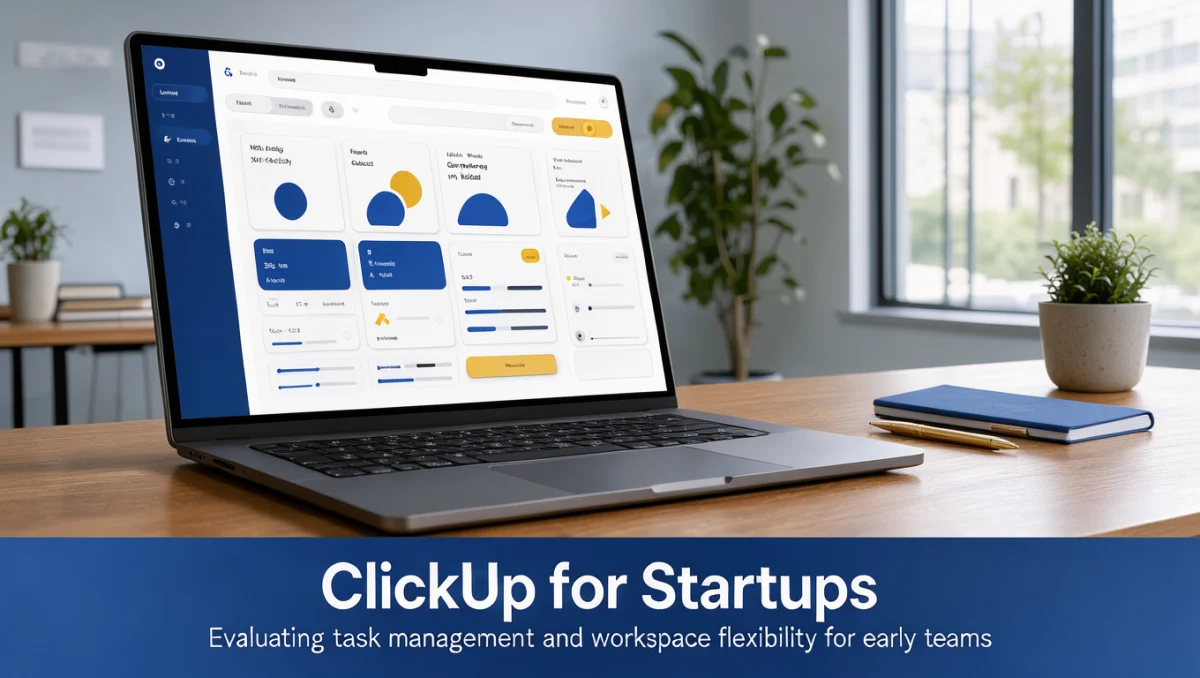
Quick verdict: With an overall rating of 7.6/10, ClickUp for startups suits multidisciplinary teams that want deep task customization and shared documentation in a single system. It is a weaker fit for solo operators who want instant simplicity without configuring complex workspace structures.
| Metric | Assessment |
|---|---|
| Review Vault score | 7.6/10 |
| Best for | Cross-functional teams seeking deep workspace customization and integrated documentation |
| Not ideal for | Minimalist teams that want zero setup time and basic task checklists |
| Key strengths | Flexible task hierarchies, multiple operational views, and integrated document creation |
| What to check before buying | Seat allocation policies, guest collaborator permissions, and storage limits on the official pages |
1. How Review Vault Reviewed ClickUp
This review examines what ClickUp is built to do, who it serves, and how it compares with similar tools. We assessed it against seven Review Vault criteria: features, ease of use, pricing and value, integrations, audience fit, support, and competitive position. Plans, prices, and limits change frequently, so we flag what to confirm on the official website before buying. This article was researched and drafted with AI assistance, then reviewed and edited by the Review Vault Editorial Team.
2. What Is ClickUp and Who Is It For
ClickUp is project management and collaborative productivity software designed to organize daily operations, project planning, and internal knowledge sharing. It targets growing businesses, agile technology teams, creative agencies, and operations managers who need flexible project oversight.
At its core, the software structures work through spaces, folders, lists, and individual tasks. Founders often juggle product development, marketing campaigns, and investor updates at once. A unified system lets operators connect high-level milestones with daily action items across departments.
Early-stage operations also explore modern tools to speed up routine workflow design and content creation. When evaluating productivity software, founders should decide whether their team needs an adaptable multi-department hub or simple tracking boards.
3. Core Features of ClickUp
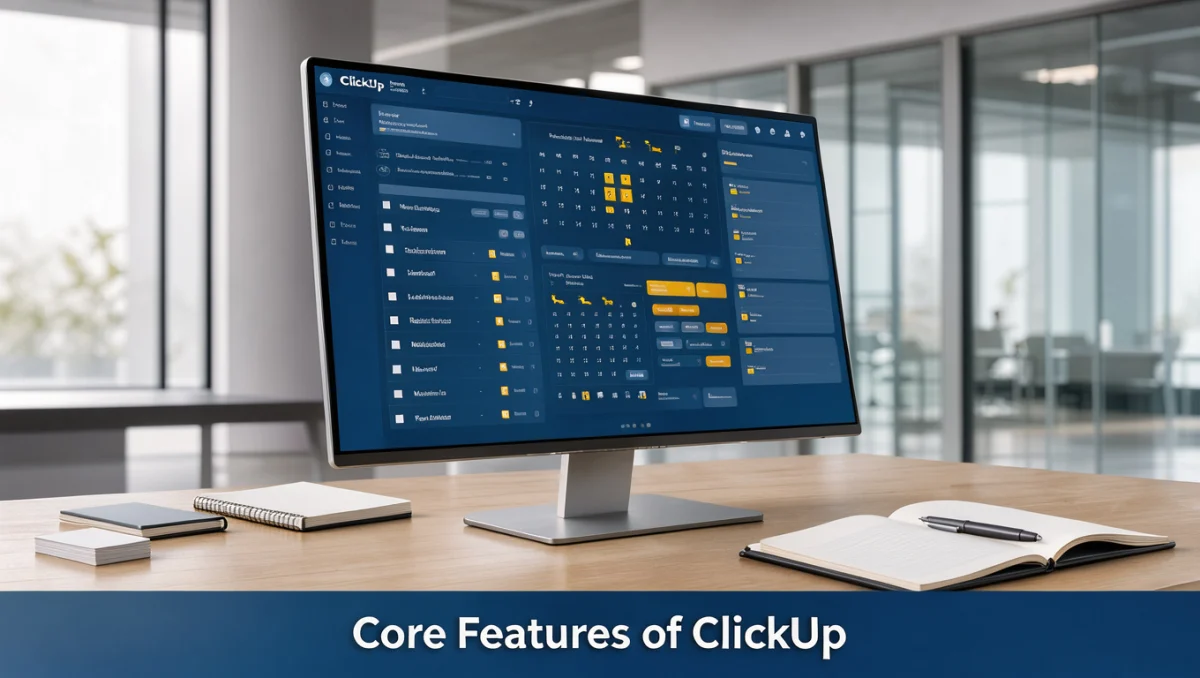
ClickUp groups work into several core capability areas that define modern project management software. Understanding them helps operations leads judge fit before migrating critical data.
3.1. Task Organization and Hierarchies
Task organization is the central pillar of ClickUp. Users arrange work in nested layers, moving from broad spaces down through folders and lists to tasks and detailed subtasks.
Within each task, team members can assign owners, set priorities, log due dates, and build custom checklist steps. Custom fields let teams record metadata such as sprint numbers, client names, or risk categories without changing the underlying board layout.
3.2. Multiple Project Views
Project visibility shifts depending on the department and workflow stage. ClickUp offers several layouts, including list views, kanban boards, timeline charts, and calendar perspectives.
Engineering squads can track sprints on kanban columns, while marketing teams can plan launches on timelines and calendars. Switching views does not duplicate task data, which keeps status reporting in sync across project owners.
3.3. Document Creation and Knowledge Sharing
ClickUp includes built-in document editing, letting teams draft internal guidelines, technical specs, and meeting summaries alongside active tasks. Pages can link directly to action cards or serve as shared operational handbooks.
Collaborative editing supports simultaneous note-taking during planning sessions. Keeping procedural documentation inside the project environment reduces switching between separate word processors and task boards.
3.4. Workflow Automation and Status Tracking
Project coordination demands regular task movement, reassignment, and notifications. ClickUp provides automated triggers that run standard actions when task conditions change, such as moving a card once a review field is approved.
Status tracking lets departments define custom stages that match their development or marketing pipelines. Automated transitions keep progression consistent without manual administrative overhead.
4. Ease of Use and Learning Curve
ClickUp offers extensive configuration options, which creates a noticeable learning curve for new teams. Granular permission settings and adjustable views mean administrators must spend dedicated time establishing naming conventions and workspace rules.
Teams unfamiliar with multi-tier folder hierarchies can hit early setup friction. When every member configures private statuses or fragmented views, workspace transparency drops. Setting clear administrative policies before inviting entire departments supports steady adoption.
For startups that need immediate execution on day one, this depth demands patience. Teams that invest in standardizing templates generally find navigation smoother as project counts grow.
5. Pros and Cons for Early-Stage Operations
Every software platform involves trade-offs between flexibility and operational overhead. Reviewing these strengths and limitations helps buyers decide objectively.
5.1. Advantages
- High architectural flexibility lets businesses adapt spaces for engineering, marketing, sales, and administrative work.
- Consolidated functionality reduces the need for separate standalone note-taking and task-list tools.
- Multiple view options let collaborators examine project progress in formats that match their working style.
- Detailed custom fields support unique business data tracking without specialized database programming.
5.2. Considerations and Limitations
- Configuration depth can overwhelm non-technical team members during early onboarding.
- Extensive menus and settings require designated administrative oversight to prevent workspace clutter.
- Mobile interfaces show condensed views that some users find less intuitive than desktop layouts for complex planning.
6. ClickUp vs Similar Productivity Tools
Understanding where ClickUp sits in the wider productivity market clarifies whether an alternative architecture suits your startup better.
| Platform | Target Audience | Core Positioning | When to Consider |
|---|---|---|---|
| ClickUp | Cross-functional teams wanting deep customization | Unified productivity workspace with detailed hierarchies | When your team wants to manage tasks, docs, and goals in one system |
| Asana | Structured teams focused on workflow clarity | Project tracking with intuitive process visualization | When cross-department coordination needs guided onboarding and clean layouts |
| Trello | Visual task managers and small teams | Card-based kanban boards for straightforward workflows | When projects follow linear stages without nested hierarchies |
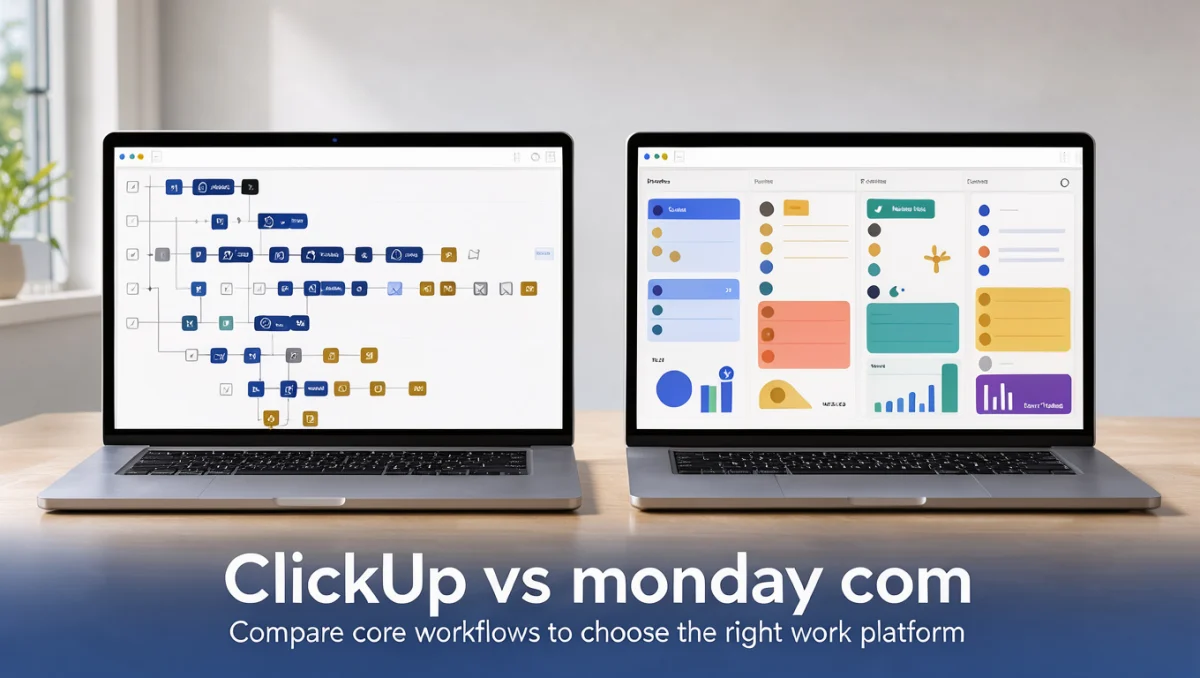
| Monday.com | Operational teams needing visual data tables | Customizable work management boards with visual status tracking | When spreadsheet-style oversight matters more than nested task trees |
7. Who Should Use ClickUp
Choosing project software depends heavily on team structure, cross-functional dependencies, and internal administrative capacity.
7.1. Technology Startups and Agile Product Teams
Founders managing engineering roadmaps, support escalation lists, and product updates benefit from ClickUp. Nesting detailed subtasks under parent milestones aligns well with agile development and sprint planning.
7.2. Marketing and Creative Agencies
Marketing teams juggling multi-channel editorial calendars, client approvals, and creative asset pipelines will find the platform adaptable. Switching between calendar schedules and kanban review stages keeps creative deadlines visible to internal and external contributors.
7.3. Operations Teams and Expanding Businesses
Operations leads who need consolidated documentation, company goals, and departmental task trackers gain a central operating system. Storing standard operating procedures beside operational checklists reduces scattered communication.
7.4. When Another Tool Is Preferable
Solo entrepreneurs or micro-teams that only need simple checklists often find ClickUp unnecessarily complex. If your workflow is just moving cards through three basic columns, streamlined kanban boards or basic task apps offer faster setup.
8. How to Choose the Right Plan
Subscription platforms regularly update seat packages, add-on terms, and administrative controls. Before buying, review the specific criteria on the official ClickUp pricing page to forecast long-term costs.
| What to Check on the Official Pricing Page | Why It Matters for Startups |
|---|---|
| User seat definitions and billing cadences | Confirm whether part-time contributors need paid full seats, since headcount growth directly drives monthly costs. |
| Guest access and external collaborator permissions | Determine how contractor accounts are billed if you regularly work with freelancers or advisors. |
| Storage allowances and file upload thresholds | Review attachment limits if creative teams attach design prototypes, video drafts, or large documents to tasks. |
| Automation action volume caps | Check monthly limits on automated triggers to avoid interruptions during high-activity product sprints. |
| Historical activity logs and reporting retention | Ensure compliance and auditing needs align with the data retention policies of each tier. |
9. Frequently Asked Questions
9.1. How should a startup organize spaces to prevent clutter?
Start with broad spaces for primary functions such as product, marketing, and operations, rather than separate spaces for individual team members. Keep custom statuses consistent across folders so reporting dashboards show uniform metrics. Assign one administrator to audit unused lists each quarter.
9.2. What should founders budget for beyond base seat costs?
Budget for external guest seats, possible integration add-ons, and the administrative time spent on initial workspace design. Many vendors bill discounted rates annually, so compare the upfront cash impact with monthly commitments.
9.3. How long does team onboarding typically take?
Onboarding time depends on how thoroughly leadership defines templates and workspace rules before inviting employees. Teams that set up structured pilot lists often move routine workflows over within two weeks, while unguided teams take longer to adapt to nested hierarchies.
9.4. How can early teams tell whether software complexity matches their growth?
Watch whether collaborators keep tasks updated or bypass the tool in favor of direct messages and unrecorded notes. If team members struggle to navigate nested lists, simplify folder structures before upgrading your subscription tier.
10. Final Verdict
Evaluating ClickUp for startups in 2026 shows a platform built for deep adaptability across business units. It consolidates project coordination and internal documentation into one cohesive workspace, provided leadership commits to thoughtful initial configuration.
| Criterion | Score /10 |
|---|---|
| Features | 8.5/10 |
| Ease of Use | 6.8/10 |
| Pricing and Value | 7.5/10 |
| Integrations | 7.4/10 |
| Audience Fit | 8.2/10 |
| Support | 7.0/10 |
| Competitive Position | 7.8/10 |
Overall score: 7.6/10
For growing startup operations that need comprehensive task dependencies, multiple project perspectives, and shared documentation, ClickUp offers structural versatility. Solo founders or teams seeking minimal setup should consider simpler checklist alternatives to avoid operational overhead.
Readers with specific workflow questions can reach out via the Review Vault contact page or follow Review Vault updates on LinkedIn.